





Table of Contents
Ask any marketer the best time to send marketing emails, and you'll hear the same answer: Tuesday at 10 AM.
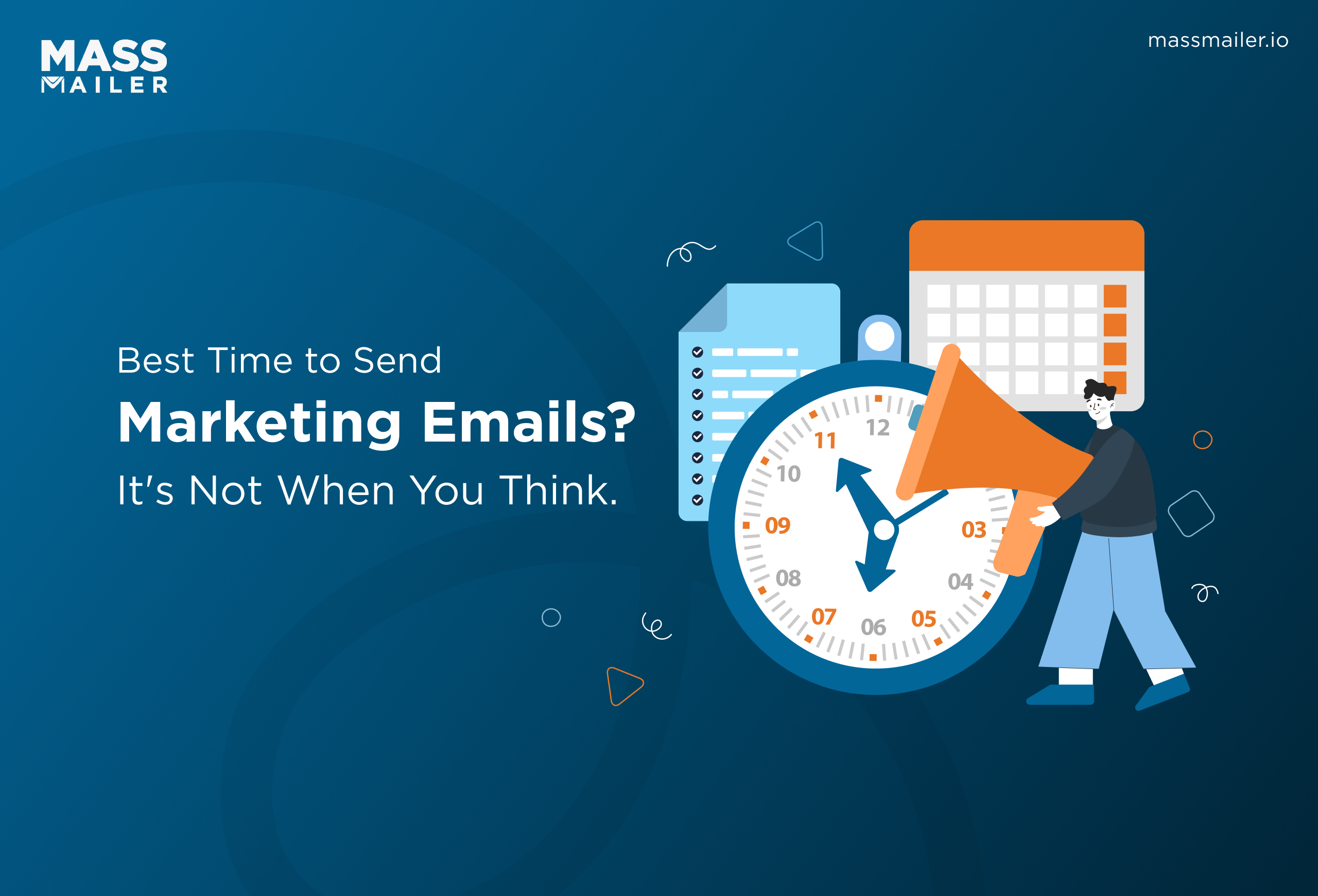
That advice isn't wrong. Morning sends do drive the highest open rates across most 2025 studies. But recent data tells a different story for engagement. Click-through rates actually peak in the evening, well after most campaigns have already landed.
So the real answer depends on what you want recipients to do. Opens favor mornings. Clicks favor evenings. Conversions peak late afternoon.
And for teams sending from Salesforce, org-level daily sending limits add a timing constraint most guides never cover.
This guide breaks down the 2025 benchmarks by day, time, and goal, then walks through how to test and find the right schedule for your list.
Best Day to Send Marketing Emails
Tuesday is the best day to send marketing emails. In HubSpot's 2025 survey, 27% of US marketers reported Tuesday as their highest-engagement day, ahead of Monday (19%) and Thursday (17%) (HubSpot, 2025).
The gap between mid-week days, however, is smaller than most guides suggest. Here's how each day performs based on 2025 data:
| Day | Engagement Level |
|---|---|
| Tuesday | Highest opens and clicks |
| Thursday | Nearly matches Tuesday |
| Wednesday | Strong all-round performance |
| Monday | Moderate to high; inbox triage lowers early-morning opens |
| Friday | Moderate opens, surprisingly strong for conversions |
| Saturday | Low |
| Sunday | Lowest |
Why Tuesday wins: Monday mornings are triage mode. Recipients clear weekend backlog and urgent items first, so promotional emails get archived or skipped. By Tuesday, the inbox is under control, and recipients are more willing to open, read, and click. That window holds through Thursday.
Friday is the sleeper: Some 2025 datasets show it outperforming every other day for conversion rate. Recipients shift into a browsing-friendly mindset heading into the weekend, which means a Friday afternoon send focused on purchases could outperform a Tuesday morning one focused on opens.
Weekends consistently underperform: Volume drops, engagement drops, and a campaign that lands Sunday morning ends up buried under Monday emails before anyone sees it. The one exception: retail brands promoting weekend-specific offers, where a Saturday morning send works if the audience already expects it.
The gap between Tuesday and Thursday amounts to a few percentage points. Any mid-week send will outperform a weekend one. The specific day matters far less than the time of day and the goal behind the email.
Best Time of Day to Send Emails
The best time of day to send marketing emails is 9 AM to 11 AM foropen rates, 12 PM to 3 PM for click-through rates, and 7 PM to 9 PM for overall engagement. The morning window earns the most opens across 2025 studies, but the hour that gets your email seen is rarely the hour that gets it clicked.
Morning (9 AM to 11 AM)
This earns the highest open rates because recipients are actively scanning their inbox. The catch: morning openers are skimming between tasks. They register the subject line, glance at the preview text, and move on. The email gets marked as read without a single click.
Afternoon (12 PM to 3 PM)
This is where click-through rates climb. Recipients on lunch breaks or between meetings have unstructured time to browse, compare options, and follow links. If your campaign goal is traffic to a landing page or product page, this window consistently outperforms morning sends.
Evening (7 PM to 9 PM)
This delivers the strongest engagement overall. Analyses of billions of 2025 emails show 8 PM sends reaching open rates nearly 14 percentage points higher than 2 PM sends, with click-through rates peaking in the same window. The reason: less inbox competition, a relaxed mindset, and zero work tasks pulling attention away.
| Time Window | Strongest Metric | Why It Works |
|---|---|---|
| 9 AM to 11 AM | Open rate | Active inbox scanning |
| 12 PM to 3 PM | Click-through rate | Unstructured browsing time |
| 7 PM to 9 PM | Overall engagement | Low competition, relaxed attention |
If you measure success by opens, send in the morning. If you measure by clicks or conversions, send later. Most teams default to 10 AM without questioning which metric actually drives their campaign goal.
Best Send Times by Goal: Opens, Clicks, and Conversions
The best send time for a marketing email depends on the campaign goal. Opens peak in mid-morning, clicks peak in early afternoon, and conversions peak in late afternoon. Sending every campaign at 10 AM optimizes for one metric while leaving the other two on the table.
Here is how each goal maps to a send window:
- Opens (newsletters, announcements): Send Tuesday or Wednesday, 9 AM to 11 AM. Recipients are actively scanning their inbox during this window. The subject line does the heavy lifting.
- Clicks (landing pages, webinars, surveys): Send Tuesday or Thursday, 12 PM to 3 PM. Lunch-break browsing gives recipients unstructured time to follow links and explore.
- Conversions (flash sales, product launches, limited-time offers): Send Friday, 4 PM to 7 PM. The pre-weekend mindset favors purchasing over browsing, and 2025 data shows Friday outperforming every other day for conversion rate.
Most teams skip this step entirely. They pick one send time, apply it to every campaign, and wonder why a welcome sequence and a flash sale produce the same flat results. A welcome email and a clearance promotion serve different purposes. Each one deserves its ownemail scheduling window based on the email metrics that define its success.
How Sending From Salesforce Changes Email Timing
Salesforce enforces a daily limit of 5,000 mass emails per organization, and that cap resets on a rolling 24-hour window. For teams sending campaigns from Salesforce, this constraint dictates when you can send, how many recipients you can reach in a single window, and whether your carefully chosen send time actually holds.
The Daily Limit Problem
Standard Salesforce editions cap mass emails at 5,000 per org per day. Schedule a 10,000-recipient campaign for Tuesday at 10 AM, and Salesforce delivers the first 5,000, then queues the rest until the limit resets. Half your list receives the email hours later, at a time you never tested or optimized for.
As a result, the delay quietly undermines everything the previous sections covered. A campaign designed to land mid-morning instead trickles into inboxes across the afternoon and evening. That dilutes engagement data and makes your open rate unreliable for future scheduling decisions.
What This Means for Your Send Schedule
Because of Salesforce's nativedaily email limit, teams need to plan around three constraints:
- Batch size: Split large campaigns across multiple days or stagger sends to stay under the cap.
- Reset timing: The rolling 24-hour window means yesterday's send time directly affects today's available capacity.
- Shared quota: Automated workflow emails, triggered alerts, and manual sends all draw from the same org-level pool. A busy automation day eats into your campaign quota before the campaign even starts.
On top of that, inbox filtering adds another layer of complexity. Outlook's Focused Inbox and Gmail's Promotions tab sort marketing emails out of the primary view by default. Even a perfectly timed send lands in a secondary tab if sender reputation is weak or domain authentication is incomplete.
This is where Salesforce-native email tools change the equation. Instead of working within the org-level cap, these tools route campaigns through dedicated sending infrastructure while keeping all engagement data synced to Salesforce records. MassMailer is one such tool: a Salesforce-native mass email application that bypasses the 5,000-email daily limit entirely.
That means your team can send to the full list at the exact time your data says works best, without splitting campaigns across multiple days. Built-inemail throttling controls delivery speed at high volume, so scaling up doesn't come at the cost of inbox placement.
How to Find the Best Send Time for Your Audience
The best send time for your audience is the one your own engagement data confirms, not the one a benchmark study recommends. Industry averages reflect aggregate behavior across millions of lists. Your list has its own patterns, and the only way to surface them is to test.
Start with a simple A/B test. Split your list into two equal segments, send identical content at two different times, and keep every other variable the same. Run the test for at least two to three weeks, then compare open rates, click-through rates, and conversions side by side. Test one variable at a time, starting with time of day, since the gap between morning and evening performance is larger than the gap between Tuesday and Thursday.
Once you have a baseline, layer inaudience segmentation and test each group independently. Key variables to segment by:
- Engagement recency: Active subscribers often respond to different windows than dormant ones.
- Job function: Decision-makers who check email before 8 AM behave differently from end users who browse during lunch.
- Time zone: A 10 AM send for your East Coast segment lands at 7 AM on the West Coast, well before most inboxes are open.
Revisit your results every few months. Subscriber habits shift with seasons, remote work patterns, and inbox volume changes. Treat your send schedule as a living variable, not a fixed setting.
Start Sending at the Right Time
The data points to a clear starting framework: Tuesday through Thursday, 9 AM to 11 AM for opens, 12 PM to 3 PM for clicks, and 7 PM to 9 PM for overall engagement. That framework gets you into the right range, but the exact window depends on your list, your campaign goal, and your sending platform.
Start with these benchmarks, then run A/B tests on your own list to narrow the window. Match each campaign to the metric that defines its success: morning for opens, afternoon for clicks, evening for conversions.
For teams sending from Salesforce, factor in your org's daily sending limits before locking in a schedule. MassMailer removes that constraint and lets you send to your full list at the exact time your data says works best.Book a demo to see how it works with your Salesforce org.
Frequently Asked Questions
1. What is the best time to send B2B emails?
2. How often should you send marketing emails?
3. What is send time optimization?
4. Does email send time affect deliverability?
5. What is the best time to send a newsletter?
6. Should you schedule emails in the recipient's time zone?
Related Blogs
Email Deliverability Best Practices to Reach the Inbox
Email Scoring: The Formula Most Guides Leave Out
MassMailer Resources
About the Author

Siva Devaki 
Siva Devaki is the founder of MassMailer Inc., a tool that helps Salesforce users optimize email marketing. A passionate advocate for email marketing, Siva writes and hosts podcasts on the topic, sharing insights to help businesses drive revenue and enhance customer engagement through Salesforce email automation and tracking.