





Table of Contents
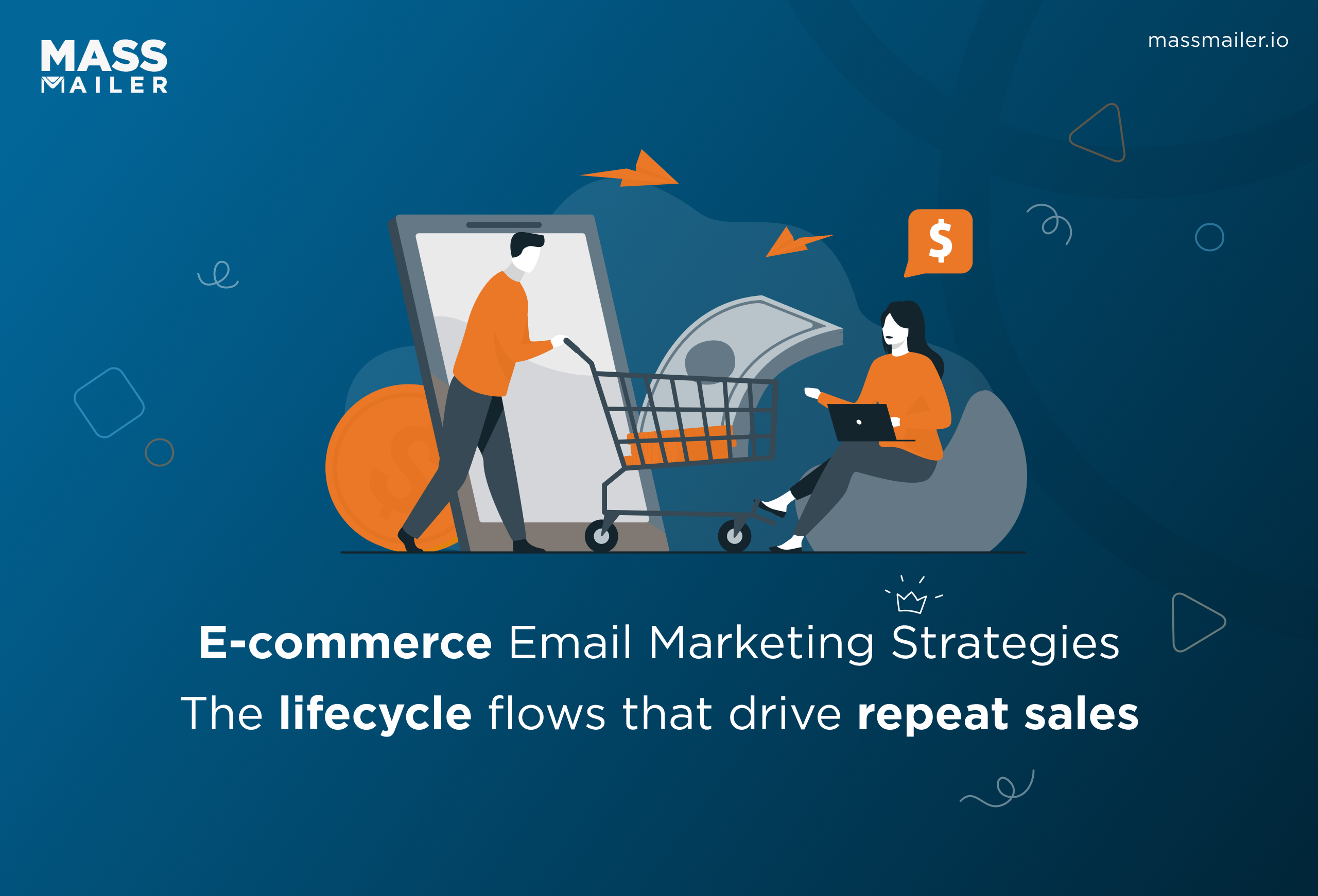
The highest-earning e-commerce email strategies are behavior-triggered flows sent to segmented lists, run where your customer data already lives inside Salesforce.
- Build a welcome series and a 3-email cart sequence first; they earn the most.
- Lead cart recovery with free shipping; ~70% of carts are abandoned over cost.
- Segment by behavior and value, and keep segments dynamic.
- On Salesforce, clear the 5,000/day send cap before scaling.
Introduction
Email still returns about $36 for every $1 spent, more than any other marketing channel, according to Litmus's 2024 State of Email research. The ecommerce email marketing strategies that capture that return tie every send to real behavior: a cart left at checkout, a first order, a buyer who went quiet.
The catch for Salesforce teams is execution. You run your store on Salesforce but send from a separate platform, so every campaign starts with an export, purchase history gets stranded, and you guess who actually bought what.
This guide covers the flows that recover revenue, the segmentation behind them, and the detail most ESP guides skip: running all of it on live Salesforce records without tripping the daily send limit.
Why these strategies hinge on automation and segmentation
An e-commerce email marketing strategy is a plan for sending automated, behavior-triggered emails across the customer lifecycle, from welcome to win-back, that turns subscribers into repeat buyers.
The strategies that move ecommerce revenue share two traits: they trigger on customer behavior, and they target a defined segment instead of the whole list. Behavior-triggered flows capture the largest share of email's return, because they reach the shopper at the moment intent is highest. Each fires on a specific signal:
- A signup starts the welcome series while the brand is still fresh.
- An abandoned cart triggers a reminder before the shopper forgets the product.
- A completed order opens the post-purchase sequence.
- A drop in activity launches a win-back.
A batch promotion to the whole list catches none of these moments, which is why it earns a fraction of what a triggered flow does.
Segmentation decides who hears each message. Send one promotion to your entire database, and you train subscribers to ignore you, which drags down sender reputation over time. Split the list by purchase history, engagement, or funnel stage, and you match the offer to the person, which lifts opens, clicks, and revenue per send.
Most teams run these flows inside a standalone ESP. That holds up until the data you need, like orders, support cases, and lifetime value, sits in Salesforce instead. At that point, every flow depends on syncing records back and forth, and each segment is only as current as the last export.
Running the flows where the data already lives removes that lag. The sections below build the program flow step by step, then show how to execute it on Salesforce directly.
Build a welcome email series that converts new subscribers
A welcome series earns its place because new subscribers pay the most attention right after signup, when they have just opted in, and the brand is fresh in their mind. A single welcome email captures part of that attention.
A sequence of three to five captures far more, because it has room to introduce the brand, deliver the signup offer, and answer the first objection before the shopper cools off.
Treat the series as the first impression that sets every later flow up, since the data you collect at signup decides how well you can segment from day one.
What to send across the sequence
Space the emails over five to seven days so the brand stays present without crowding the inbox. Each message needs one clear job:
- Email 1, sent immediately: deliver the promised incentive (a 10% code or free first-order shipping) and set expectations for what comes next.
- Email 2, day two or three: tell the founding story and link to your best-selling category, building trust before the hard offer.
- Email 3, day five: show social proof (reviews, bestsellers) and remind them the welcome code is about to expire.
- Optional email 4, day seven: answer the common pre-purchase objection, like sizing, returns, or shipping speed.
How to build it on customer records
Trigger the series the instant a new subscriber becomes a Contact or Lead, so email one goes out within minutes, while a nightly batch would let that peak-attention window cool. Capture the signup source at the same time, because a contact who joined from a product page deserves a different first email than one who joined from a blog post.
Set a time delay between each step, then add an exit condition: when the Contact places a first order, suppress the rest of the welcome flow and move them into the post-purchase track. Personalize each email with merge fields so the first name and product interest pull from the record itself.
If you map welcome offers the way you would a staged Salesforce drip campaign, every send already knows where the subscriber sits in the journey.
Watch deliverability closely on this flow, since new subscribers test your sender reputation first. Confirm the address with a double opt-in before the discount email goes out, which keeps fake and mistyped addresses out of the sequence.
That one check, plus the purchase suppression rule, prevents the two most common welcome-series mistakes: bouncing email one off a bad address, and emailing a discount to someone who already paid full price.
Recover lost sales with an abandoned cart email strategy
An abandoned cart email strategy targets the single largest pool of near-revenue you have. Baymard Institute (2024) puts the average cart abandonment rate at 70.22%, aggregated across 50 studies, so roughly seven of every ten carts never reach checkout.
These shoppers already chose the product and added it to the cart, so a timely reminder converts far better than a cold promotion sent to your whole list. That makes cart recovery the first flow to build after your welcome series.
Know why the cart was abandoned
Most carts stall over cost, with cold feet a distant second. Baymard found that extra costs at checkout, meaning shipping, taxes, and fees, are the leading reason US shoppers abandon. Comparison shopping, a long checkout, and forced account creation follow.
Because the objection is usually price, your recovery emails should address it head-on instead of simply nudging. Lead with free shipping or a small threshold offer when the math supports it, and the abandoned cart becomes a completed order.
Reserve the discount for shoppers who do not return on the reminder alone, so you avoid paying a margin to people who would have converted anyway.
Build the three-email recovery sequence
Three emails recover more than one, so sequence them on a tightening schedule:
- Email 1, one hour after abandonment: a simple reminder with the cart contents and a one-click return to checkout. No discount yet.
- Email 2, 24 hours later: handle the cost objection directly with free shipping or a modest incentive, and add urgency with low-stock or price-hold framing.
- Email 3, 48 to 72 hours later: the last call. Restate the offer, surface two related products, and ask if a question is holding them back.
To trigger this on Salesforce data, you first need the cart event written to the record, usually as a custom object or a field your store platform updates when checkout starts. Once that signal lands, you also need to see who opened or clicked each step. When you track email engagement against the Contact, you can branch the sequence: skip the discount for anyone who already returned to checkout, and escalate the offer only for those who went silent.
Pull the abandoned items into each email with merge fields, so the reminder shows the exact product and price rather than a generic "you left something behind."
Measure the flow on recovery rate, meaning the share of abandoners who complete the purchase after the sequence. Track it by segment, because a first-time visitor and a repeat customer respond to very different offers, and your incentive budget should follow the segment that actually needs the nudge.
Cover the rest of the customer lifecycle
Beyond welcome and cart recovery, your e-commerce email automation flows cover the rest of the customer lifecycle. Each one triggers on a different signal, and together they keep revenue moving without manual campaigns.
Build them in priority order, because the later a customer is in the journey, the more a timely email is worth. A connected set of Salesforce automation flows lets one trigger the handoff to the next stage cleanly.
Post-purchase flow
Send a post-purchase sequence the moment an order closes. Start with the order confirmation, which earns some of the highest open rates of any email, then follow with shipping updates, a how-to-use message, and a review request.
Time that review request to arrive a few days after delivery, once the customer has actually used the product and can speak to it. This flow turns a one-time buyer into a repeat one and feeds you the reviews that power later social-proof emails.
Browse abandonment flow
Trigger a browse abandonment email when a shopper views a product but never adds it to the cart. It sits earlier in intent than cart abandonment, so keep it soft: surface the viewed item, add two related products, and skip the discount. A browse signals early curiosity, well short of a buying decision, so the email should rekindle interest and let the product sell itself.
Re-engagement and win-back flow
Launch a win-back flow when a buyer crosses a no-purchase threshold, often 60, 90, or 180 days, depending on your repurchase cycle. Set the threshold to your own median time between orders, so a coffee brand and a furniture brand do not use the same clock.
Lead with a "we miss you" message, then escalate to a real incentive, and finally ask whether they want to stay subscribed. Contacts who ignore the entire sequence have effectively opted out, so move them into a suppressed segment instead of mailing them again.
Product recommendation flow
Send recommendation emails based on what each contact actually bought or browsed, rather than generic bestsellers. Cross-sell a complementary product after purchase, or trigger a replenishment reminder timed to when a consumable runs out.
For a 30-day product, schedule the reminder around day 25, so it arrives just before the customer needs to reorder. Because the recommendation reads from the customer's own purchase history on the record, it converts well above a batch promotion and needs no manual list pull.
Send to the right people every time
Good segmentation matches each message to a defined group, and it starts with the data you already hold. Effective ecommerce email segmentation best practices build on behavior and value, because those predict the next purchase better than demographics do.
Age and location tell you little about buying intent. Recency, frequency, and spend tell you a lot. Build your core segments first, then layer them into the flows above so each automation already targets the right people.
Four segments worth building first
These four cover most of what an e-commerce program needs:
- Purchase history: first-time buyers, repeat buyers, and category-specific buyers, each of whom needs a different offer.
- Engagement level: active openers versus dormant contacts, so you can protect deliverability by mailing the engaged more and the dormant less.
- Lifetime value: a VIP tier that earns early access and stronger perks than the rest of the list.
- Funnel stage: new subscriber, active customer, and lapsed buyer, which decides whether a contact gets nurturing, cross-sells, or a win-back.
Make these segments dynamic, meaning a contact joins or leaves automatically as their record changes, rather than static lists you rebuild by hand. A dynamic VIP segment adds a buyer the moment their lifetime value crosses your threshold, and the flows tied to it pick them up on the next send.
Static lists go stale within days and quietly send the wrong message to the wrong person.
Keep segments fresh against live data
A segment is only useful while it is accurate, and that is where exports between an ESP and Salesforce break down. When you build segments on Salesforce reports and list views, a contact who buys today moves out of the "first-time buyer" segment the same day, with no wait for the next sync.
Drive the message itself off the same records using merge fields that pull live Salesforce data, and the personalization stays correct as the customer changes.
Keep one more segment that most teams forget: a suppression list of hard bounces and chronically unengaged contacts. Exclude it from every campaign, because mailing dead addresses pushes your whole program toward the spam folder.
With segments living in Salesforce, that suppression rule applies automatically across every flow. The payoff is that you stop the most common segmentation failure, sending a "complete your first order" email to someone who already placed three, while you protect the deliverability that the rest of your strategy depends on.
Run every flow on Salesforce without hitting the send limit
Every flow above assumes one thing: the email engine can read your live Salesforce data and send at the volume an ecommerce list demands. Native Salesforce sending falls short on both. Salesforce caps mass email at 5,000 external emails per organization per rolling 24 hours, and that ceiling does not rise with your edition. Enterprise and Unlimited orgs hit the same wall as Professional.
Picture the math on a modest list. You have 8,000 subscribers and a flash sale. The promotional blast alone exceeds the 5,000 cap, so the send stops partway through, and the quota will not recover for a full 24 hours.
While it recovers, your abandoned cart and welcome flows are also drawing from that same shared pool, so they stall mid-sequence. The cart reminder that should land in an hour never goes out, and the revenue that timing creates disappears with it. The cap, in other words, breaks the exact flows this guide tells you to build.
Why the CRM-native approach matters here
This is the point where MassMailer fits, because it runs email marketing inside Salesforce rather than bolting an external ESP onto it. As a Salesforce-native application, it gives these flows the execution layer they need:
- Sends campaigns directly against live Lead and Contact records.
- Lifts the daily sending ceiling, so high-volume flows finish instead of stopping halfway.
- Writes opens, clicks, and bounces straight back onto each record.
- Follows your existing Salesforce roles and permissions, so marketing and sales work from the same data with no separate logins.
The practical effect is that every strategy in this guide runs without a second database. Your segments read from the same Salesforce reports, so there is no export and no stale sync. Merge fields pull personalization from the record, so the welcome name and the abandoned cart items stay accurate as the customer changes.
If your current setup juggles a separate ESP alongside the CRM, a Salesforce email consolidation strategy closes that gap and keeps every flow on one source of truth.
Volume alone does not help if the emails land in spam, so the sending infrastructure matters as much as the capacity. MassMailer ships with dedicated sending infrastructure and IP warm-up support, which builds a clean sender reputation as you scale past native limits.
Engagement data lands back on each Contact, so the opens and clicks that drive your segments and your win-back triggers stay inside Salesforce instead of trapped in a separate tool. For the full picture of the cap and the ways around it, the breakdown of the Salesforce mass email limit is worth a read before you scale a campaign.
Conclusion
Strong ecommerce email comes down to a few connected decisions: trigger flows on real behavior, segment by purchase history and engagement, and run the program where your customer data already lives.
Welcome series, cart recovery, post-purchase, and win-back flows each recover revenue that a batch blast leaves on the table, and tight segmentation makes every send land better. The constraint most teams hit is execution at volume on Salesforce.
MassMailer removes it by sending these flows natively from Salesforce, past the 5,000-per-day cap, with engagement tracked on the record. To see your own lifecycle flows running on live Salesforce data, book a MassMailer demo and walk through a cart-recovery sequence built on your objects.
Frequently Asked Questions
1. How often should you send e-commerce marketing emails?
2. How do you build an e-commerce email list?
3. What is a good open rate for e-commerce emails?
4. Should e-commerce emails be plain text or HTML?
5. Which e-commerce email flow generates the most revenue?
6. Can you run e-commerce email automation inside Salesforce?
Related Blogs
How to Build Salesforce Drip Campaigns That Nurture and Convert
Salesforce Mass Email: How to Enable, Send, and Scale in 2026
MassMailer Resources


About the Author

Siva Devaki 
Siva Devaki is the founder of MassMailer Inc., a tool that helps Salesforce users optimize email marketing. A passionate advocate for email marketing, Siva writes and hosts podcasts on the topic, sharing insights to help businesses drive revenue and enhance customer engagement through Salesforce email automation and tracking.