





Table of Contents
Half your Salesforce campaign just landed in spam, and now one question decides your next move. Shared IP vs dedicated IP: which one actually fixes deliverability? Here is what most guides bury.
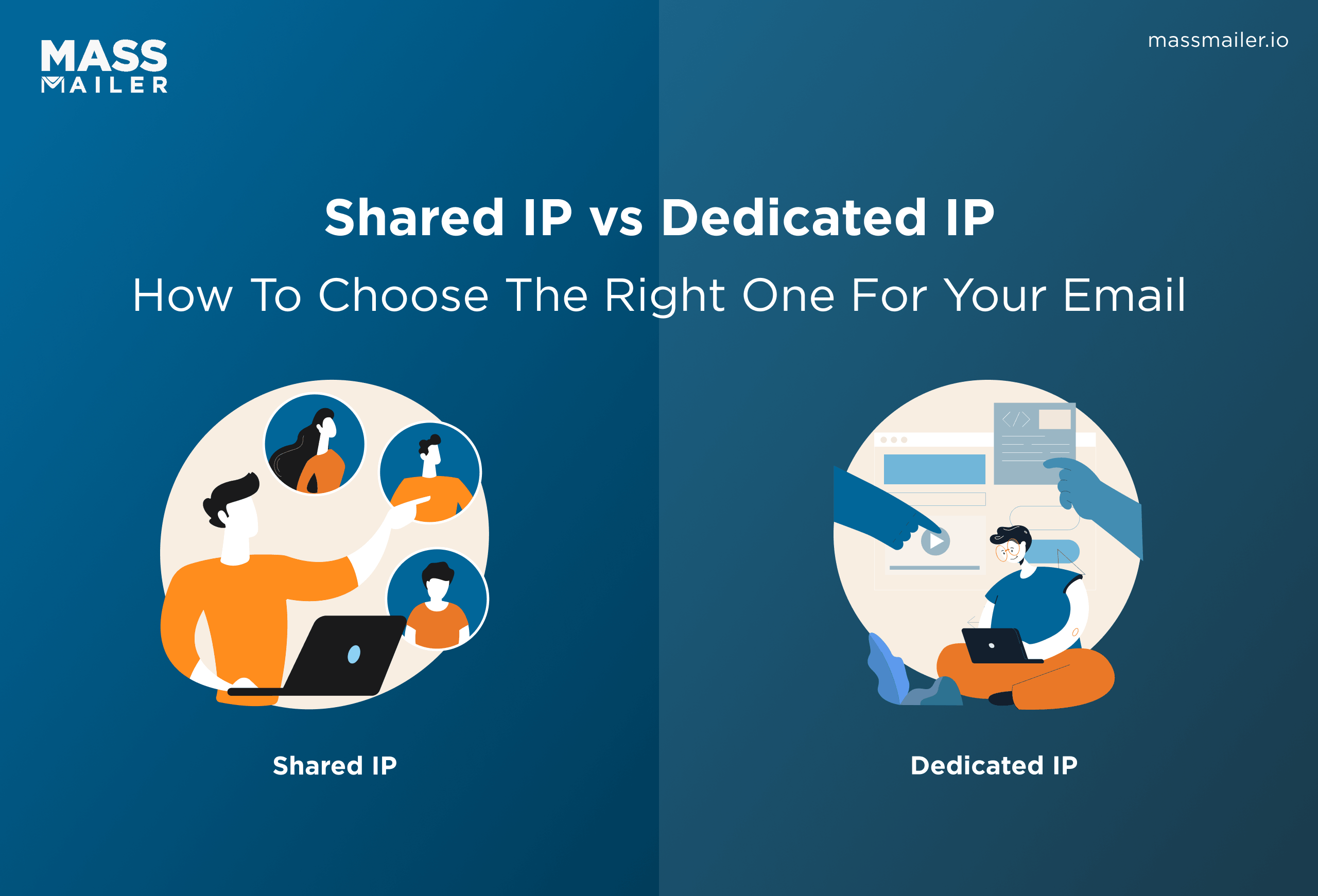
The right pick follows one thing above all: how much email you send and how steadily you send it. Send high, steady volume and a dedicated IP rewards you. Send light or in bursts and a shared IP protects you.
This guide breaks down what a shared IP and a dedicated IP each do to your sender reputation, the exact send-volume threshold that separates them, what IP warm-up really demands, and how to make the call from inside Salesforce. By the end, you will know which IP your volume can actually support.
Shared IP vs dedicated IP: the short answer
Use a shared IP when you send low or irregular volume, and a dedicated IP when you send high, steady volume and want full control of your reputation. That one trade-off, volume consistency, settles most cases before cost or features enter the picture.
A shared IP borrows an established reputation from a pool of senders, so you can send today. A dedicated IP hands you a clean IP that no one else touches, which means the reputation is yours to build and yours to lose.
The table below maps the differences that matter when you make the call.
| Factor | Shared IP | Dedicated IP |
|---|---|---|
| Who controls reputation | The whole sending pool | You alone |
| Best for volume | Low or uneven sending | High, consistent sending |
| Warm-up needed | No, the pool is warm | Yes, weeks of ramping |
| Time to first send | Immediate | After warm-up |
| Cost | Usually included | Premium add-on |
| Recovery from a mistake | Easier, spread across senders | Harder, lands on you |
| Main risk | A bad neighbor drags you down | Low volume starves the IP |
What is a shared IP address?
A shared IP address is a sending IP that several businesses use at the same time, so their outbound email flows through one reputation shared by the group. Mailbox providers judge that combined reputation, not yours alone. For a new or low-volume sender, that is usually a head start, because the pool arrives already warmed and trusted.
How a shared IP works
Your provider routes your campaigns through an IP that also carries mail from other customers on the same plan. The provider manages warm-up, volume balancing, and reputation for the pool. Because established sending history already sits on that IP, your first campaign inherits it instead of starting from zero. You send on day one with no ramp period.
The trade-off you inherit
You do not control who else sends from your IP. If another business in the pool hits spam traps or triggers complaints, that behavior can pull down inbox placement for everyone sharing the address, including you. You also cannot monitor the IP's reputation directly or act on it, because it is not yours.
For low volume, this risk is minor, since providers actively police their pools. For a growing sender, it becomes the ceiling you eventually hit.
What is a dedicated IP address?
A dedicated IP address is a sending IP assigned to your account alone, so no other business can affect its reputation. Every signal mailbox providers read from that IP traces back to your sending: your volume, your complaint rate, your bounces, your authentication.
That isolation is the core benefit and the core responsibility of a dedicated IP.
How a dedicated IP works
Your provider assigns an IP that carries only your mail, then you tie it to your authenticated sending domain through an SPF record, DKIM, and a matching reverse DNS record. The PTR record maps the IP back to your domain, which mailbox providers check to confirm the sender is who the IP claims to be.
From that point, the reputation you build is portable and predictable. Nothing another sender does changes your placement, because no other sender is on the line. You own the full picture, for better and worse.
Benefits of a dedicated IP address
The benefits of a dedicated IP address show up once volume is high and consistent. You get full control of sender reputation, so disciplined list hygiene and authentication translate directly into inbox placement. Request safelisting directly with major mailbox providers like Gmail and Outlook, since the IP maps to one known sender rather than a shifting pool.
The data stays clean and attributable too: every complaint, block, or bounce reflects your program alone, so bounce management becomes a precise task instead of guesswork.
When placement dips, you can trace it to a specific send rather than wondering whether a stranger in the pool caused it. That attribution is what lets a mature sender tune cadence, segment by engagement, and defend a high reputation over time.
The maintenance it demands
A dedicated IP is not ready on day one and does not stay healthy on its own. You have to warm it up over several weeks, then keep feeding it steady volume so its reputation holds. A single bad send hits harder here, because there is no pool to dilute the damage. Reputation, authentication, and blocklist monitoring all become your ongoing job rather than the provider's.
The send-volume threshold that actually decides it
Send volume is the deciding factor, and the numbers are more concrete than most guides admit. A dedicated IP needs a minimum amount of consistent mail, a clear volume threshold, to build and hold a reputation.
Send that threshold and a dedicated IP performs worse than a shared one, because mailbox providers see too little history to trust it. Clear the threshold with a steady cadence, and a dedicated IP starts to reward the control it gives you.
How much volume a dedicated IP needs
A dedicated IP earns trust from the volume and steadiness of what it sends, so mailbox providers need a regular stream of mail to form a reliable opinion of it. Send too little, and there is not enough signal to build a reputation on, which is why a low-volume sender is usually safer on a shared pool. Consistency is the harder part. A large batch followed by weeks of silence does less for your reputation than a smaller amount sent on a steady weekly rhythm, because providers read cadence as a trust signal. Map your real sending calendar before you commit, and be honest about the quiet stretches.
A level you only reach during peak season will not keep the IP warm through the slow months, and a dedicated IP that goes cold between campaigns loses the reputation you paid to build.
The IP warm-up schedule
IP warming means raising the volume on a new IP gradually so mailbox providers learn to trust it. You start with a few hundred emails a day and roughly double the daily count every day or two, sending to your most engaged recipients first.
A full IP warming ramp usually takes two to six weeks, depending on the volume you are building toward and how cleanly your early sends perform. Rush it, and you trigger throttling or blocks that set the reputation back further than a slow start ever would.
What happens when your volume drops
Reputation decays fast when a dedicated IP goes quiet. Mailbox providers weight recent activity most heavily, so a dedicated IP that goes silent for weeks loses the sender reputation it built. Bring it back online, and you often have to warm it up from the start again.
This is the trap that catches CRM senders: a dedicated IP that looks great during a launch quietly rots between campaigns, and the next big send goes out on an IP the providers no longer recognize. Here, consistency is the entire point of the investment.
A dedicated IP decays when it sits idle, and MassMailer keeps it active. You schedule recurring campaigns anddrip sequences off live Lead and Contact records, stagger each send across hours or days, and trigger follow-ups on pipeline or engagement changes. That paced, steady volume keeps the IP out of the re-warm cycle.
How to choose between a shared and dedicated IP
Choose based on four inputs: your monthly volume, how steady it is, your tolerance for reputation risk, and the expertise you have to manage an IP. Stack them together, and the answer is usually clear.
Volume and consistency carry the most weight, because they decide whether a dedicated IP can survive at all. Cost and control break the tie when volume sits in the gray zone.
Run your program through this checklist before you decide:
- Volume: Under 100,000 emails a month, stay on a shared IP. Consistently above it, a dedicated IP earns its keep.
- Consistency: If your sending spikes for launches then goes dark, a shared IP absorbs the gaps a dedicated IP cannot.
- Risk tolerance: If one pooled bad actor hitting your placement is unacceptable, a dedicated IP removes that variable.
- Expertise: If no one owns warm-up, authentication, and blocklist monitoring, a dedicated IP will underperform a managed shared pool.
- Growth: If you are climbing toward the threshold, plan the switch and warm-up now rather than during a critical send.
Two exceptions override the volume rule. Transactional mail, receipts, password resets, and order confirmations earn a dedicated IP sooner, because those messages must reach the inbox and should not carry the reputation risk of promotional sends.
Cold email outreach is the opposite case: low, uneven volume on a cold dedicated IP draws throttling and blocks fast, so it belongs on a warmed shared pool or an isolated sending domain, not a new dedicated IP.
When the call is close, default to shared. The downside is lopsided: an underfed dedicated IP loses reputation faster than a shared pool ever would, and winning it back means another warm-up cycle from scratch.
Switch to dedicated only when steady volume, clean authentication, and someone who owns deliverability all line up. Until then, a managed shared pool protects your inbox placement with far less operational risk.
Managing IP reputation from inside Salesforce
Salesforce caps external email at around 5,000 recipients per org per day through its standard sending. That cap makes the dedicated-IP math hard, because you cannot feed a dedicated IP the steady volume it needs when the platform throttles you first. The 30-day reputation window then works against you, and a dedicated IP you paid to warm up decays between sends.
This is the gap a Salesforce-native sending layer closes. MassMailer sends beyond the native daily cap, so you can run high-volume campaigns directly from Salesforce records without an external ESP to sync. It assigns and warms a dedicated IP for your account, keeps volume consistent enough to hold the reputation, and lets you watch sender reputation in real time instead of guessing.
Authentication and blocklist signals surface inside the CRM, and engagement writes back onto the Lead and Contact records you already work in.
The result is that the shared-versus-dedicated choice stops being a bet. Your volume, warm-up, and reputation are handled in one place, tied to the same data that drives the campaign, so the IP you choose actually behaves the way the theory promises.
Shared IP vs Dedicated IP: Making the Right Call
The choice comes down to one question you can now answer: does your sending clear the volume threshold, and can you hold it steady? Under roughly 100,000 emails a month or with uneven cadence, a shared IP protects you.
Above it, with discipline and consistency, a dedicated IP gives you control worth owning. The harder part is keeping that reputation alive between campaigns, especially inside Salesforce's daily limits.
MassMailer manages the volume, the warm-up, and reputation monitoring from within Salesforce, so a dedicated IP stays warm and your campaigns keep landing. Start a free MassMailer trial to send past Salesforce's sending cap and keep your dedicated IP's reputation intact from your first campaign on.
Frequently Asked Questions
1. Do I need a dedicated IP for my email marketing campaigns?
2. Does a dedicated IP improve email deliverability?
3. How long does it take to warm up a dedicated IP?
4. What is the minimum email volume for a dedicated IP?
5. Can you switch from a shared IP to a dedicated IP?
6. What happens to a dedicated IP if you stop sending?
Related Blogs

Why Your Salesforce Emails Land in Spam and How to Fix It
How to Improve Email Deliverability in Salesforce in 2026
How to Avoid Spam Filters in 2026
MassMailer Resources




About the Author

Siva Devaki 
Siva Devaki is the founder of MassMailer Inc., a tool that helps Salesforce users optimize email marketing. A passionate advocate for email marketing, Siva writes and hosts podcasts on the topic, sharing insights to help businesses drive revenue and enhance customer engagement through Salesforce email automation and tracking.