




Table of Contents
Introduction
You see a 40% click-through rate in Salesforce, but there are no replies, no pipeline movement, and no real conversions.
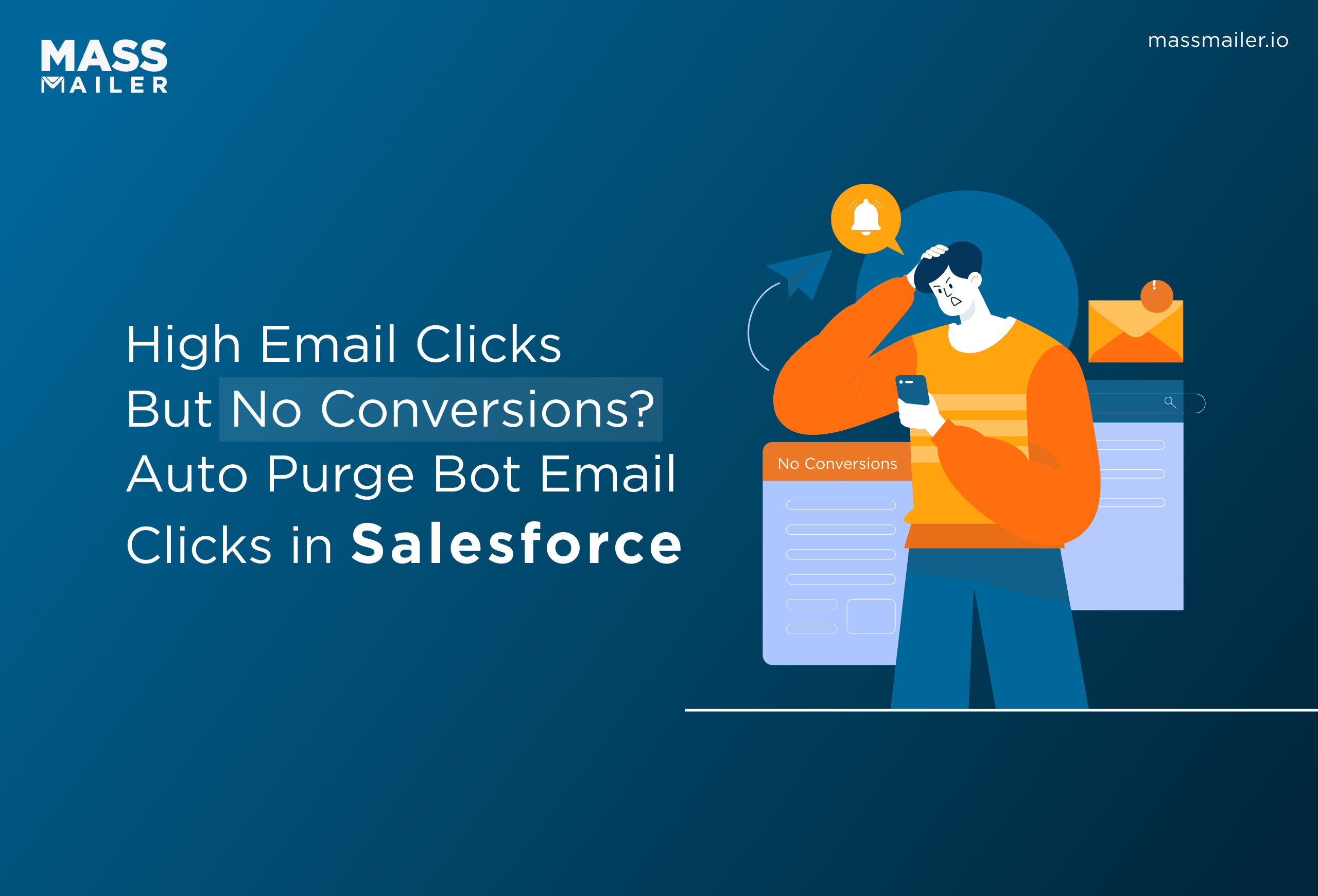
This often happens because of bot email clicks triggered by spam filters. Security systems scan emails before delivery and automatically click links to verify safety, inflating engagement by 30–50%. Salesforce logs these interactions as real user activity.
This creates a serious problem. Teams rely on this data for segmentation, follow-ups, and campaign optimization. When bot activity is treated as genuine engagement, the pipeline is misattributed, follow-ups target the wrong leads, and high-intent prospects are missed.
The issue is architectural. Salesforce tracks events at the activity level without validating intent. Tools like MassMailer help auto-purge bot email clicks in Salesforce, ensuring only real engagement is measured.
Why Salesforce Cannot Filter Bot Email Events
Salesforce cannot filter bot email events because it tracks email activity at the event logging layer, not the behavioral validation layer. It records every open, click, or unsubscribe as a valid interaction without analyzing whether the activity was triggered by a human or an automated system.
This limitation becomes critical in email workflows where spam filters and security scanners interact with emails before they reach the recipient. Since Salesforce does not evaluate intent or interaction patterns, such as clicks occurring within seconds of delivery or multiple interactions within milliseconds, these automated actions are treated as genuine engagement.
Because Salesforce is designed to log activity, not interpret behavioral intent, this limitation is inherent to its architecture rather than a configurable setting.
As a result:
- Email metrics are inflated
- Pipeline attribution becomes inaccurate
- Follow-ups target the wrong leads
- Campaign decisions rely on misleading data
There is no native way to distinguish real user behavior from bot-driven activity.
1. Limitations of native Salesforce email tracking
Salesforce records email opens and clicks as soon as a tracking pixel loads or a link is triggered, without validating how the interaction occurred.
In practice, all activity is treated equally:
- A security bot scanning and clicking links during pre-delivery checks
- A real prospect opening and engaging with the email
Both are logged as identical engagement events.
There is no built-in mechanism to analyze timing, behavior, or interaction patterns to determine whether the activity is human or automated.
For teams running campaigns or tracking engagement across leads and opportunities, this creates a visibility gap. Salesforce shows what happened, but not who or what caused it.
This directly impacts execution. Follow-ups may be triggered on false engagement, high-intent leads may be missed, and campaign performance appears stronger than it actually is.
As a result, email tracking in Salesforce provides activity data, but not reliable engagement insight, making it difficult to take action based on campaign metrics.
2. Why bot clicks inflate campaign metrics
In many Salesforce email workflows, engagement metrics spike within seconds of sending a campaign. Clicks appear immediately, open rates rise sharply, and reports suggest strong performance.
In reality, much of this activity is triggered by spam filters and security scanners. These systems automatically open emails and click links to verify safety before the message reaches the recipient’s inbox. In some cases, this can inflate engagement by 30–50%. Because Salesforce tracks activity based on link triggers and pixel loads, these interactions are recorded as valid engagement.
This creates inflated metrics that do not reflect actual user behavior. Click-through rates increase without corresponding replies, conversions, or pipeline movement.
The impact shows up quickly in day-to-day workflows:
- Leads are marked as “engaged” based on bot activity
- Follow-up sequences are triggered for contacts who never interacted
- High-performing campaigns are identified based on false signals
Over time, this distorts how teams prioritize outreach and evaluate campaign success.
To address this, teams need a way to separate automated interactions from real engagement at the point of tracking, not after reports are generated. This is where solutions like MassMailer extend Salesforce by helping filter bot-driven activity before it distorts campaign performance and pipeline decisions.
3. Why are the Pardot and Marketing Cloud approaches complex
Teams trying to filter bot clicks in Salesforce often turn to Pardot or Marketing Cloud for more control over email analytics. In practice, this introduces a different kind of complexity.
Bot detection in these platforms typically relies on SQL queries, data views, or custom rule configurations built on top of collected engagement data. For example, teams may write queries to exclude clicks occurring within seconds of delivery or filter known bot patterns using backend data models.
The challenge is that this approach works after the data is already recorded. By the time bot activity is identified, it has already influenced reports, engagement scoring, and downstream workflows. In many cases, automated follow-ups or lead scoring rules are triggered before filtering is applied.
This creates additional operational overhead:
- Teams need technical expertise to build and maintain queries
- Filtering logic must be continuously updated as bot behavior evolves
- There is no consistent way to apply filtering across all campaigns in real time
For marketing operations and Salesforce admins, this turns bot detection into a data-cleanup exercise rather than a prevention mechanism.
This is why teams look for solutions that handle bot detection at the point of tracking, not after the data has already impacted reporting and automation.
How Teams Recognize Bot Click Patterns in Salesforce
Teams typically identify bot activity by analyzing patterns in how engagement events are recorded inside Salesforce, rather than relying on surface-level metrics alone.
Common signals include:
- Click timestamps clustered immediately after delivery: multiple interactions occurring within a few seconds of send time
- Uniform interaction patterns across recipients: identical click behavior repeated across large segments
- Simultaneous clicks on multiple links: actions happening faster than natural reading or navigation would allow
- No progression beyond the click event: no replies, form submissions, or movement in opportunity stages
These patterns become visible when teams review activity timelines or export campaign data for analysis. However, Salesforce only provides raw event logs and does not highlight these anomalies automatically.
This is why teams move toward solutions like MassMailer that automatically detect and isolate these patterns at the point of tracking, eliminating the need for manual correction.
How MassMailer Auto-Purges Bot Email Events
MassMailer auto purges bot email clicks in Salesforce by detecting automated interactions at the moment they occur and removing them before they affect campaign analytic.
Unlike native Salesforce behavior, where every event is recorded without validation, this approach introduces a filtering layer that ensures only real engagement is captured.
This is especially critical for teams managing high-volume outreach or structured campaigns such as email automation, where engagement data directly drives follow-ups and sequencing.
1. Hidden link detection mechanism
MassMailer uses a hidden detection link embedded within the email template, which is not visible to recipients but is accessible to automated scanning systems.
When an email is sent, spam filters and security scanners typically scan all links during pre-delivery checks, and this includes the hidden link.
When this hidden link is triggered, MassMailer identifies the interaction as bot-driven because real users cannot see or interact with it.
This allows bot detection to happen at the point of interaction, rather than relying on post-campaign analysis.
2. Event tagging and filtering logic
Once bot activity is detected, MassMailer applies event-level tagging to classify the interaction as automated.
All related events, such as opens, clicks, and unsubscribes that occur within a short timeframe after delivery, are grouped together based on timing and behavior.
If multiple interactions occur immediately after sending, they are treated as part of the same bot-driven sequence rather than independent user actions.
This ensures that bot activity is consistently identified across the entire email lifecycle and prevents partial or misleading data from entering campaign analysis.
3. Auto purge execution within Salesforce workflows
After identifying and grouping bot-driven events, MassMailer automatically excludes these interactions from campaign analytics and engagement-based workflows.
This process runs continuously and does not require manual cleanup, SQL queries, or post-processing.
All delivery-related events, such as sent and delivered status, are saved for tracking and compliance, while only bot-generated engagement signals are removed.
Because this operates within Salesforce, it ensures that:
- Engagement-based triggers in Salesforce drip campaigns rely only on valid user interactions.
- Follow-up emails and sequences are not triggered by false clicks.
- Campaign performance aligns more closely with real customer intent.
What does this change in daily execution mean?
With bot activity filtered at the tracking level, teams no longer need to validate engagement or question campaign performance manually.
This directly improves how teams manage:
- Audience segmentation, especially in large-scale Salesforce mass email campaign workflows.
- Deliverability and sender reputation are closely tied to engagement quality.
- Campaign optimization decisions, because engagement data reflects actual user behavior rather than automated scans.
Instead of reacting to inaccurate metrics, teams can operate with clean, reliable engagement data inside Salesforce, allowing them to focus on execution, targeting, and pipeline growth.
How Time-Based Filtering Works in MassMailer
MassMailer filters bot email clicks in Salesforce using a detection signal combined with a time-based window, instead of relying on post-campaign analysis.
When an email is sent, a hidden link fixed in the template acts as a detection trigger. If this link is clicked, the interaction is identified as bot-driven.
MassMailer then applies a configurable time window (default: 30 seconds) to group related events.
- Any opens, clicks, or unsubscribes that occur within this window after delivery
- Are treated as part of the same automated interaction
- And are excluded from campaign analytics
This approach is based on observed behavior:
- Security scanners interact with emails immediately, often within a few seconds of delivery
- Real users take longer to receive, read, and engage
By combining a known bot signal (hidden link) with event timing, MassMailer ensures that automated activity is filtered before it impacts reporting or workflow execution. This ensures engagement data reflects real user behavior before it drives segmentation, automation, or follow-up actions.
Before vs After: Impact of Removing Bot Clicks in Salesforce
Bot-driven interactions can significantly distort Salesforce email performance, making campaigns appear successful without generating actual engagement or pipeline impact.
When these interactions are filtered using MassMailer, campaign metrics become more aligned with real user behavior.
| Metric | Before (With Bots) | After (Filtered) |
| CTR | ~40% (inflated due to automated clicks) | 12–18% (based on real user interaction) |
| Conversion Rate | <1% (high clicks, low intent) | 5–8% (aligned with actual engagement) |
| Engagement Quality | Misleading signals from bots | Reflects real user behavior |
| Follow-ups | Triggered on false positives | Based on validated engagement |
In Salesforce workflows, this directly impacts execution.
Without filtering, follow-ups and automation sequences are triggered on contacts who never engaged. This leads to wasted outreach and incorrect prioritization.
With MassMailer, bot-driven interactions are removed before they influence analytics or automation. This ensures:
- Follow-ups are triggered only on validated engagement
- Segmentation reflects actual user intent
- Campaign performance aligns with pipeline outcomes
For teams running Salesforce email campaigns at scale, this shift enables more accurate targeting and more reliable decision-making.
Example of inflated vs accurate campaign metrics
Inflated engagement often creates a false sense of performance, where high activity does not translate into actual outcomes.
Once bot-driven interactions are filtered using MassMailer, engagement signals become more reliable and aligned with real user behavior.
This shift changes how teams evaluate and act on campaign performance:
- Segmentation becomes intent-driven: Audiences are built using verified engagement signals rather than activity volume
- Campaign optimization becomes more precise: Decisions are based on what drives actual responses, not inflated interaction data
- Follow-ups become more strategic: Outreach is prioritized based on meaningful engagement signals
- Pipeline visibility improves: Engagement data reflects genuine buying interest, not automated noise
Instead of reacting to activity metrics, teams can focus on signals that indicate real intent and potential conversion.
For teams evaluating Salesforce email performance, this shift moves campaign measurement from activity-based reporting to intent-driven decision-making, where engagement reflects genuine prospect behavior.
Conclusion
Bot email clicks in Salesforce do not just distort metrics; they break how campaigns are executed. When automated activity is treated as real engagement, follow-ups trigger incorrectly, segmentation loses accuracy, and pipeline decisions are based on false signals.
This is not a reporting issue. It is a tracking problem that cannot be fixed within Salesforce alone.
MassMailer filters bot-driven interactions at the point of tracking, ensuring that only validated engagement enters your workflows. This means your follow-ups, targeting, and campaign decisions are driven by actual buyer intent.
If your campaigns show high clicks but no conversions, the issue is already affecting your pipeline.
See how MassMailer filters bot clicks inside Salesforce and keeps your engagement data accurate. Book a demo to evaluate it in your workflow.
Frequently Asked Questions
1. How do I remove bot clicks from Salesforce email analytics?
2. Why are my Salesforce email click rates high but conversions low?
3. Can Salesforce natively detect bot email clicks?
4. What is the best way to filter bot email activity in Salesforce?
5. How do spam filters affect Salesforce email tracking?
6. How can I improve the accuracy of Salesforce email engagement data?
Start Your Free Trial Today
Experience MassMailer the easiest way to send personalized emails from Salesforce.
Related Blogs
Salesforce Email Blacklist Removal for Gmail: Step-By-Step Fix
Salesforce Email Deliverability Trends Every Team Must Know
MassMailer Resources


MassMailer Glossary
About the Author

Siva Devaki 

Siva Devaki is the founder of MassMailer Inc., a tool that helps Salesforce users optimize email marketing. A passionate advocate for email marketing, Siva writes and hosts podcasts on the topic, sharing insights to help businesses drive revenue and enhance customer engagement through Salesforce email automation and tracking.