




Table of Contents
Introduction
Many teams start with the Salesforce email template builder to manage campaigns because it offers a simple way to create and send emails within the platform. It works well initially, especially for teams already using Salesforce.
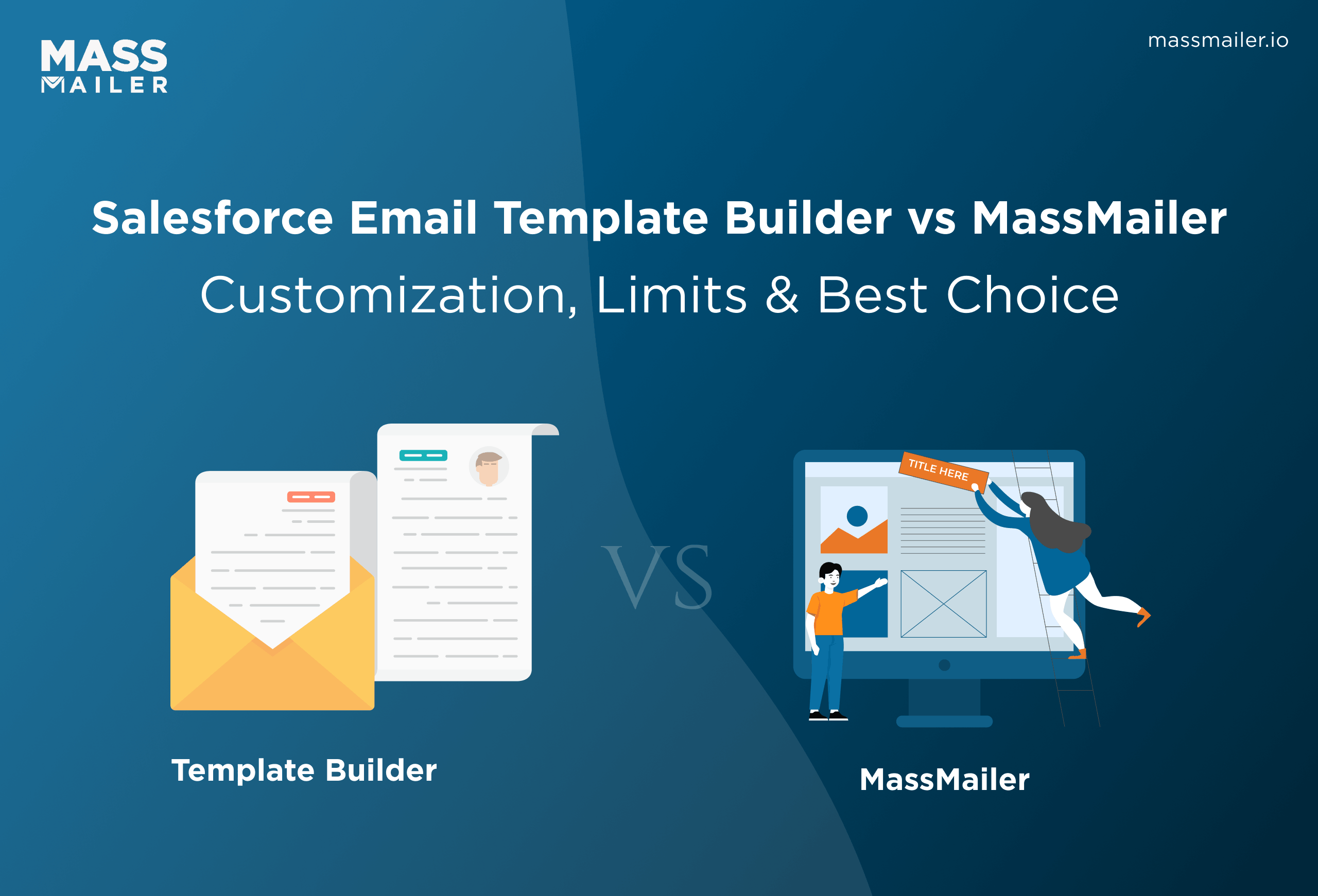
As campaign needs grow, limitations become more apparent. Templates can feel rigid, personalization options may fall short, and bulk email workflows often require repeated manual effort. These issues make it harder to scale campaigns and maintain consistency.
The impact of these inefficiencies is significant. According to the Litmus State of Email Report 2023, email marketing delivers an average ROI of $36 for every $1 spent. With returns this high, even small workflow gaps can affect outcomes.
This guide explains these limitations and shows how MassMailer improves customization, efficiency, and scalability in Salesforce email campaigns.
Limitations of the Salesforce email template builder for customization
The Salesforce email template builder supports basic email creation through a drag-and-drop interface, making it accessible for teams getting started with email campaigns. It enables quick template assembly without requiring technical expertise, which works well for simple outreach and one-off communications.
As campaign complexity increases, these capabilities begin to feel limited. Teams managing multiple campaigns, diverse audience segments, or brand-focused communications need greater flexibility, improved workflow efficiency, and more control over how they design and edit emails. These limitations become more evident as email operations scale.
1. Constraints in layout and design flexibility
The native builder follows a structured layout system that works effectively for standard templates but can become restrictive when more advanced designs are required.
Although components can be arranged using drag-and-drop functionality, the layout remains confined to predefined sections. This limits precise control over spacing, alignment, and overall design structure.
For teams handling campaigns across different products or regions, this can create challenges. Designing distinct templates for each campaign becomes more time-consuming, and maintaining consistent branding across emails requires additional effort.
Even minor adjustments, such as aligning elements or creating multi-column layouts, may require workarounds.
How Mass Mailer improves layout flexibility
MassMailer addresses these limitations by offering more flexible content blocks and layout controls. It allows templates to be structured with greater precision, supporting more customized designs.
Spacing, section organization, and formatting can be adjusted more freely, enabling the creation of reusable layouts that align with brand requirements. This flexibility supports consistent and adaptable email design across different campaigns.
MassMailer uses customizable templates that allow teams to define layout structures, standardize formatting, and reuse design components across campaigns. This makes it easier to maintain consistency while adapting layouts to different communication needs without rebuilding templates from scratch.
2. Gaps in bulk email workflows
When scaling email campaigns, the native builder can introduce inefficiencies. Templates often need to be duplicated and manually modified for different audience segments or campaign variations. This repetitive process increases the likelihood of inconsistencies and slows down execution.
As the number of campaigns increases, managing updates across multiple templates can become time-intensive. Ensuring consistency across communications may require additional manual validation, which adds to operational effort.
How Mass Mailer supports bulk email workflows
MassMailer is designed to support high-volume email workflows more effectively. It enables the creation of reusable templates that can be adapted for different campaigns without the need for duplication.
This simplifies campaign management and helps teams execute multiple campaigns more efficiently while maintaining consistency across communications.
How a digital lending platform streamlined bulk email workflows
A digital lending platform managing high-volume email campaigns within Salesforce began to face inefficiencies as campaign volume increased. Teams relied on manual processes, including duplicating templates, adjusting layouts, and handling personalization, which slowed execution and created inconsistencies.
Key workflow challenges included:
- Repeated template duplication
- Manual layout and formatting changes
- Difficulty scaling personalization
With MassMailer, the organization shifted to a more structured workflow model. Reusable templates became the foundation for campaign execution, allowing teams to standardize layouts and embed personalization directly within templates.
This enabled:
- Reuse of templates instead of rebuilding workflows
- Reduced manual effort during execution
- More efficient handling of multiple campaigns
As a result, the team improved campaign turnaround time, achieved greater consistency, and scaled bulk email workflows more effectively within Salesforce.
3. Limited control over the email editing experience
The editing experience in Salesforce is designed to be simple and uniform, which supports ease of use but limits flexibility. Different teams often have varying requirements, with marketing teams needing more advanced design control and sales teams preferring a streamlined interface.
Because the editor offers limited customization, it may not fully accommodate these diverse needs. This can result in inefficiencies, as users spend additional time navigating or adjusting within a fixed interface.
How Mass Mailer enhances the email editing experience
MassMailer enhances the email editing experience by allowing the interface to be configured based on user roles and workflows. This supports both quick edits and more advanced customization within the same environment.
Teams can work more efficiently with an interface that adapts to their needs, reducing friction in the template creation process and improving overall usability.
With the MassMailer email template builder, teams can design responsive, visually consistent emails using a drag-and-drop editor directly within Salesforce, providing greater control over layout and structure.
What is MassMailer UI customization in Salesforce?
MassMailer extends the standard Salesforce email editing experience by giving you more control over how you create and manage emails. It allows teams to move beyond fixed layouts and build templates that better align with campaign and branding needs.
As email operations grow, the need for a more adaptable interface becomes clear. Customization helps streamline workflows, improve usability, and support more efficient campaign execution.
A 2026 Data Insights Market report highlights growing demand for advanced personalization, dynamic content, and deeper integration with marketing automation platforms, reinforcing the need for scalable email editing tools.
What does MassMailer UI customization mean
MassMailer UI customization allows teams to structure and manage email templates with greater control. It supports more flexible layouts, refined content editing, and an interface that can adapt to different workflows.
This makes it easier to create consistent templates, reduce manual adjustments, and manage campaigns more efficiently.
Why customization matters for bulk email workflows
Customization plays a critical role in improving the efficiency of mass email campaigns. As the number of emails and audience segments increases, even small inefficiencies in template creation or editing can slow down execution and introduce inconsistencies.
A more customizable setup helps standardize templates, reduce manual effort, and maintain consistency across campaigns. It also supports better personalization at scale, allowing teams to adapt messaging without rebuilding templates.
Over time, this leads to faster execution, improved accuracy, and more efficient campaign management.
How to customize the MassMailer email editor in Salesforce step by step
Customizing the MassMailer email editor involves more than just adjusting templates. It requires setting up a workflow that supports efficient design, consistent branding, and scalable campaign execution. A structured approach ensures that teams can create, reuse, and optimize templates without unnecessary effort.
The process can be broken down into a series of clear steps, each focused on improving a specific part of the email creation workflow. Following these steps helps reduce manual work, improve consistency, and ensure that templates perform effectively across campaigns.
Step 1: Access MassMailer email editor settings
Begin by navigating to MassMailer within Salesforce and locating the email editor settings. This is where the core configuration of the editor and interface is managed.
MassMailer allows customization of both the user interface and editor settings through the setup menu, helping teams adjust how the editor behaves and what elements are visible.
MassMailer also helps teams streamline email creation and maintain consistency across campaigns through effective UI and editor customisation, making it easier to produce high-performing emails.
Step 2: Configure layout and content blocks
Use the drag-and-drop editor to structure your email template. Add essential elements such as text blocks, images, and buttons, and organize them into clear sections based on your campaign objectives.
Focus on spacing, alignment, and visual hierarchy. A well-structured layout improves readability and makes the email easier to navigate, which can directly influence engagement.
Step 3: Customize fields and personalization
Incorporate merge fields to add customer-specific details and make emails more relevant. Dynamic content can also be used to tailor messaging based on user data.
Keep personalization purposeful and aligned with the message. Avoid overusing dynamic elements, as excessive personalization can affect clarity and reduce the overall impact of the email.
Step 4: Optimize for bulk email workflows
Design templates with reuse in mind so they can be adapted across multiple campaigns without repeated effort. Standardized layouts help maintain consistency and reduce manual adjustments across sends.
As campaign volume increases, the quality of contact data becomes equally important. Validating email addresses before sending helps prevent bounces and protects the sender's reputation. MassMailer Verifier supports this process by identifying invalid or risky email addresses in advance.
Templates should also be mobile responsive and lightweight. Consistent formatting and simple structures make it easier to scale campaigns while maintaining performance across different devices.
Step 5: Preview, test, and send
Before sending, preview the email across different devices to check layout consistency. Send test emails to verify formatting, links, and personalization fields.
A simple validation checklist helps:
- Does the layout look consistent on mobile and desktop
- Are all links working correctly
- Are merge fields displaying properly
A thorough testing step helps prevent errors and ensures the email performs as expected when delivered to recipients.
Once emails are sent, monitoring their performance becomes equally important. MassMailer Email Monitor helps track sender reputation and deliverability, ensuring that emails reach inboxes reliably and maintain campaign effectiveness.
Salesforce email template builder vs MassMailer email editor
Choosing between the Salesforce email template builder and MassMailer email editor often depends on how advanced and scalable your email workflows need to be.
While both tools operate within the Salesforce ecosystem, they are designed with different levels of complexity and use cases in mind. The native Salesforce builder works well for basic email creation and simple campaigns.
However, as requirements grow around customization, personalization, and bulk sending, the differences between the two become more apparent. Understanding these differences helps teams select the right approach for their workflow.
Differences in editing experience and flexibility
The Salesforce email template builder provides a straightforward editing interface that is easy to use for basic templates. However, it offers limited flexibility when it comes to advanced layout control and customization. Teams often need to work within predefined structures, which can restrict design options.
For a broader understanding of how the native editor works and where it falls short, this guide on the Salesforce Lightning Email Builder provides useful context.
MassMailer offers a more flexible editing experience with greater control over layout, structure, and content. Its drag-and-drop editor allows users to design templates more freely, making it easier to create campaign-specific and brand-aligned emails.
| Feature | Salesforce Email Template Builder | MassMailer Email Editor |
| Editing Interface | Basic and structured | Advanced and flexible |
| Layout Control | Limited to predefined sections | Full control over layout and sections |
| Customization | Basic formatting options | Advanced customization capabilities |
| Ease of Use | Simple for beginners | Flexible for both basic and advanced users |
| Design Freedom | Restricted | High level of control |
Using MassMailer gives you fewer limitations and more direct control over how you design and structure your emails.
Differences in bulk email capabilities
The Salesforce email template builder is not specifically designed for high-volume email campaigns. As email volume increases, managing templates, adapting content, and maintaining consistency can become more time-consuming.
MassMailer is built to support bulk email workflows at scale. It allows teams to manage large contact lists, reuse templates efficiently, and execute campaigns with greater speed and consistency.
| Capability | Salesforce Email Template Builder | MassMailer Email Editor |
| Bulk Email Support | Limited | Designed for high-volume sending |
| Template Reusability | Requires duplication and manual edits | Easily reusable and adaptable |
| Workflow Efficiency | Manual and time-consuming at scale | Streamlined and efficient |
| Campaign Scalability | Limited scalability | Built for scalable campaigns |
| Execution Speed | Slower for large campaigns | Faster and more efficient |
As campaign volume grows, these differences become more significant. Teams managing large-scale email operations benefit from tools that reduce manual effort and support efficient execution.
Which option fits your team’s workflow
The choice between the Salesforce email template builder and MassMailer depends on how complex and scalable your email operations need to be. While both tools serve the purpose of creating and sending emails, they are suited for different stages of growth and campaign requirements.
For teams with simpler needs, the native Salesforce builder can be sufficient. It supports basic email creation and works well when campaigns are limited in scope and frequency.
Salesforce Email Template Builder is better when:
- Campaigns are low-volume and occasional
- Templates are simple with basic layouts
- Personalization needs are minimal
- Speed and ease of use matter more than flexibility
MassMailer is the best fit when:
- Campaigns involve large lists or frequent sends
- Advanced design and customization are needed
- Templates must be reused across campaigns
- Scalability and workflow efficiency are priorities
Conclusion
The Salesforce email template builder serves as a practical starting point for basic email creation. However, it is not designed to support advanced customization or large-scale campaigns. As email operations grow, these limitations can begin to impact efficiency, consistency, and overall execution.
MassMailer addresses these challenges by offering greater flexibility, improved scalability, and a more adaptable editing experience. It enables teams to create and manage templates more efficiently while maintaining consistency across campaigns.
If current workflows feel time-consuming, it may be useful to evaluate whether the existing setup supports evolving campaign needs.
For teams looking to improve how email campaigns are created, customized, and scaled within Salesforce, exploring MassMailer can provide a more efficient and flexible approach.
Frequently Asked Questions
1. How many email templates can be created in Salesforce?
2. Can Salesforce email templates support dynamic content?
3. Is coding required to build email templates in Salesforce?
4. How can email deliverability be improved in Salesforce campaigns?
5. What are the common challenges in scaling email campaigns within Salesforce?
6. How do teams maintain consistency across multiple email campaigns?
Start Your Free Trial Today
Experience MassMailer the easiest way to send personalized emails from Salesforce.
Related Blogs
MassMailer Resources



MassMailer Glossary
About the Author

Siva Devaki 

Siva Devaki is the founder of MassMailer Inc., a tool that helps Salesforce users optimize email marketing. A passionate advocate for email marketing, Siva writes and hosts podcasts on the topic, sharing insights to help businesses drive revenue and enhance customer engagement through Salesforce email automation and tracking.