




Table of Contents
Introduction
“Everyone keeps talking about Email Marketing Vs Marketing Automation. Which one are we even doing?”
“We send emails from Salesforce. That’s all I know.”
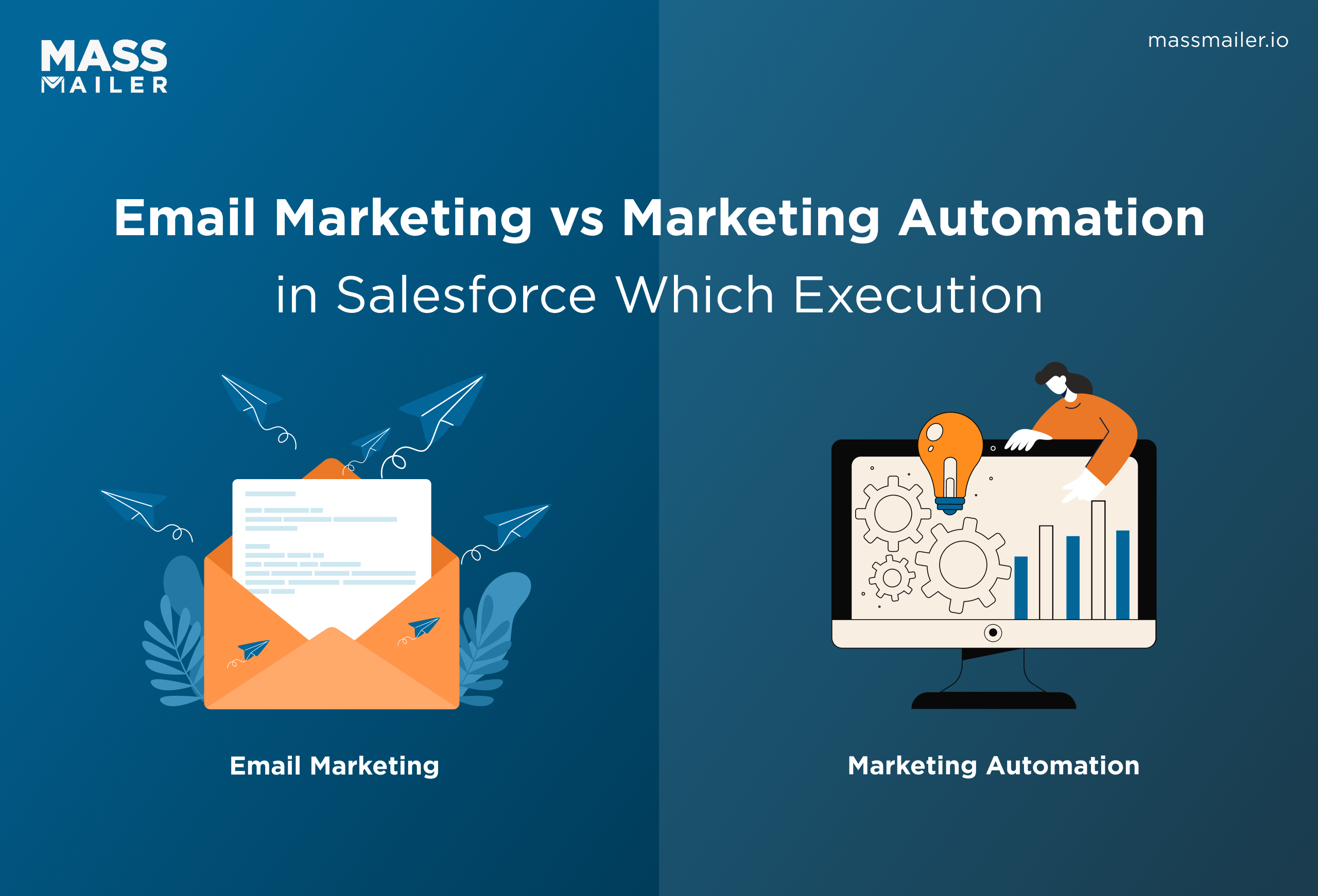
Initially, for Salesforce teams, the difference between email marketing and marketing automation is about how and when emails are executed inside the CRM.
Most teams start simple. You build a list, send the email, and look at the numbers.
But as your database grows, things feel slower. Someone has to remember follow-ups. Emails don’t react to what people actually do. Eventually, you start wondering if there’s a better way.
That’s when the real question comes up: keep sending campaigns, or change how email runs in your Salesforce environment as you scale?
Email marketing vs marketing automation in Salesforce teams
Email marketing vs marketing automation in Salesforce teams comes down to one clear difference: manual campaigns versus behavior-driven execution. It’s a decision about how email runs inside your Salesforce CRM as you grow.
What does email marketing mean in Salesforce?
Email marketing in Salesforce is campaign-based sending. You select a list using defined criteria, schedule the message, and review campaign-level metrics once it’s sent. The logic is straightforward, and marketing usually owns it end-to-end.
When your needs are predictable and your audience segments are stable, manual sends are often enough.
What marketing automation requires in Salesforce
Marketing automation changes how emails are triggered. Instead of sending to a list at a set time, emails respond to CRM activity. A form submission, status change, or lifecycle update can start a multi-step journey. The system reacts to behavior rather than a schedule.
Ownership may expand beyond marketing to include sales or RevOps because automation touches more parts of the funnel. That added coordination is where operational complexity increases.
Email marketing vs marketing automation: key differences
Here is a practical comparison that highlights both capability and risk:
| Category | Email Marketing | Marketing Automation |
|---|---|---|
| Trigger Model | Manual sends | Behavioral triggers |
| Campaign Structure | Single-step | Multi-step journeys |
| Data Dependency | Static list criteria | Real-time CRM activity |
| Scale | Batch outreach | Lifecycle engagement |
| Reporting View | Campaign-level metrics | Journey-level attribution |
| Operational Complexity | Low | Medium to high |
| Data Location | Inside Salesforce | May require sync (if external) |
| Logic Ownership | Marketing-managed | Cross-team ownership |
As automation increases, so does coordination. If automation runs outside Salesforce, data sync and logic ownership become real considerations. This is not automatically a problem, but it is a structural decision.
When email execution inside Salesforce needs to scale
As your database grows, sending emails manually takes more time. Follow-ups depend on someone remembering to act. When emails need to react to what people do in Salesforce, campaigns alone are not enough. That is when automation becomes necessary.
Many Salesforce teams use MassMailer to move from manual sending to trigger-based emails without adding another system. The real decision is simple: scale email in Salesforce, or make your setup more complex.
Email marketing in MassMailer
Email marketing in MassMailer means structured campaign execution using your existing Salesforce data, without exporting contacts or relying on third-party sync. If you need high-volume outreach with clear ownership and reporting control, this model supports that requirement directly.
1. Native mass email campaigns
MassMailer supports scalable outreach built around standard objects like Leads, Contacts, and Campaigns.
- You can launch bulk sends directly from Campaign records using a structuredSalesforce mass email campaign approach.
- Email activity remains attached to the originating records for reporting clarity.
- Volume can scale beyond the defaultSalesforce email limits with proper setup.
- No external integration layer is required for campaign execution.
This keeps outreach aligned with your CRM architecture and reduces operational overhead.
2. Manual segmentation and Campaign Member targeting
Segmentation here is manual and marketing-controlled.
- Audience lists are built using reports, filters, or Campaign Member status.
- Targeting is based on defined field criteria, not automated conditions.
- Marketing controls send timing and inclusion logic.
- List governance stays transparent within Salesforce email reporting.
If control and clarity matter more than automation complexity, this model keeps execution predictable.
3. Campaign-level tracking and deliverability control
Performance is recorded at the campaign level with direct visibility.
- Engagement metrics such as opens, clicks, and bounces are stored with campaign data.
- Bounce handling supports list hygiene and aligns with email deliverability best practices.
- Authentication support for SPF and DKIM helps maintain inbox placement.
- Reporting integrates into standard dashboards without data sync concerns.
If your need is structured, campaign-driven outreach with strong reporting continuity, this approach scales cleanly.
Marketing automation in MassMailer
Marketing automation in MassMailer means emails are sent based on defined conditions, not manual timing. Messages respond to activity, status changes, or lifecycle movement using structured automation logic.
This is the shift from campaigns to event-driven execution.
1. Trigger-based automation
Automation begins with a defined event.
- Emails can be triggered when a field value changes or a record meets specific criteria.
- Automation logic can respond to lifecycle stage movement or sales status updates.
- Event-driven execution removes the need for manual follow-ups.
- Each condition can be managed through structuredemail automation processes.
If your engagement depends on timing and response, trigger-based execution becomes necessary.
2. Salesforce Flow integration
MassMailer works with structuredSalesforce workflow automation processes to extend email logic.
You can incorporate email sends into your existing Flow configurations.
Conditional paths determine which message you deliver.
- Automation logic can align with existing business rules.
- Sales and marketing teams can coordinate through shared process design.
This reduces the need to duplicate logic across separate systems.
3. Behavior-driven email sends
Emails can react to engagement signals instead of schedules.
- A contact opening or clicking an email can trigger the next step in a sequence.
- Inactivity can initiate a reminder message.
- Engagement-based paths allow messaging to adjust automatically.
- Automation logic updates based on real-time CRM activity.
This supports structured drip execution similar to a managedSalesforce drip campaign without moving data outside the platform.
4. Lifecycle logic and automated follow-ups
Automation supports multi-step journeys tied to lifecycle progression.
- Leads can receive a sequence based on stage movement.
- Opportunity status changes can initiate follow-up communication.
- Time delays can space messages without manual scheduling.
- Engagement-based attribution provides visibility into how automation supports conversion.
As automation expands, ownership and coordination increase. The decision is not whether automation is powerful. It is whether you can implement workflow automation without adding external sync layers or losing visibility.
If your growth depends on consistent follow-up and lifecycle progression, automation logic becomes the scalable path forward.
Salesforce-native automation vs standalone marketing platforms
Salesforce-native automation vs standalone marketing platforms comes down to architecture choice. One keeps execution aligned with your core system. The other introduces a separate environment designed for broader orchestration.
This is not about which is “better.” It is about fit.
When standalone marketing automation makes sense
Standalone platforms are built for multi-channel program management across large organizations.
- Email, SMS, paid media, and landing pages can be orchestrated from one centralized system.
- Cross-channel journeys can span external data sources and behavioral tracking layers.
- Advanced lead scoring models can combine demographic and behavioral signals at scale.
- Large marketing teams can operate under layered permissions and structured approval workflows.
- Cross-channel reporting can be consolidated into a dedicated marketing data environment.
If your strategy requires coordinated execution across several engagement channels, a standalone platform may provide the structural depth required.
Keeping automation within Salesforce is simpler
When automation runs natively through a solution like MassMailer, execution is governed by the same rules that control your core CRM data.
- Trigger conditions can reference custom objects and fields without API dependency or data mapping layers.
- Field-level security and profile permissions automatically apply to automation logic.
- Updates to lifecycle definitions immediately affect email workflows without reconfiguration across systems.
- Admin teams can audit automation changes using existing change management processes.
- RevOps gains direct visibility into how automation interacts with pipeline stages.
- Workflow adjustments do not require coordination between multiple vendor environments.
MassMailer operates as an extension of your Salesforce structure, not as a parallel marketing database.
This matters when process control, governance, and real-time data accuracy are priorities.
If your growth depends on precise lifecycle movement rather than cross-channel orchestration, keeping automation native reduces technical friction and strengthens operational control.
The decision becomes less about features and more about ownership: do you want automation governed by your CRM rules, or by a separate platform layer?
How to evaluate email marketing and automation tools for Salesforce teams
To evaluate email marketing and automation tools for Salesforce teams, focus on where execution lives and how tightly it aligns with your CRM data.
Use this checklist before you commit to any platform:
- Does the tool operate natively in Salesforce rather than through a third-party sync?
- Can it support both campaign execution and trigger-based automation in one system?
- Does reporting stay connected to your existing pipeline dashboards?
- Does it support deliverability controls such as SPF and DKIM configuration?
- Can it reference Campaign and Campaign Member records directly for attribution?
- Does automation logic respond to real-time CRM field changes?
Now ask the disqualifier:
Will this tool force marketing engagement data or automation logic to live outside Salesforce?
If yes, you are adding another execution layer.
A digital lending platform faced this exact decision. Initially, they needed automation tied directly to lending stage updates and status changes. Their criteria were clear: keep engagement data attached to core records, avoid a second marketing database, and maintain visibility alongside revenue reporting.
They chose MassMailer because it met those requirements. Because of this, automation logic ran on their existing data model. Follow-ups responded to lifecycle changes. Reporting stayed aligned with their sales dashboards.
That is the practical difference.
If your evaluation criteria look similar, MassMailer is not an add-on. It is the cleanest execution layer for Salesforce-first teams who want automation without system sprawl.
Conclusion
At this point, the choice is practical. If your team lives in Salesforce and your growth depends on structured email execution tied to CRM data, adding another platform only adds layers. MassMailer lets you scale from campaigns to automation without shifting ownership, data, or reporting into a separate system.
If you want automation that runs on your existing data model and supports real lifecycle movement, it’s time to see it in action.
Book a MassMailer demo and evaluate how native automation should actually work in your Salesforce environment.
Frequently Asked Questions
1. Can you run marketing automation directly in the Salesforce platform without Marketing Cloud?
2. What is the difference between Salesforce email campaigns and marketing automation tools?
3. Do I need a separate platform for email automation if I use Salesforce?
4. How does email automation affect Salesforce reporting?
5. What is the biggest risk of using external email automation tools with Salesforce?
6. How do I know if I’ve outgrown manual email campaigns in Salesforce?
Start Your Free Trial Today
Experience MassMailer the easiest way to send personalized emails from Salesforce.
Related Blogs
All You Need to Know About IP Address Pools in Email Marketing
Salesforce Email Open Rate: How to Track and Improve
MassMailer Resources


MassMailer Glossary
About the Author

Siva Devaki 

Siva Devaki is the founder of MassMailer Inc., a tool that helps Salesforce users optimize email marketing. A passionate advocate for email marketing, Siva writes and hosts podcasts on the topic, sharing insights to help businesses drive revenue and enhance customer engagement through Salesforce email automation and tracking.